

Help: Water quality · 3 min read
Record readings and see them against your limits
How readings work in AquaOps: recording them on a system or visit, how bands judge them, and where the company-wide quality list is.
By the AquaOps team
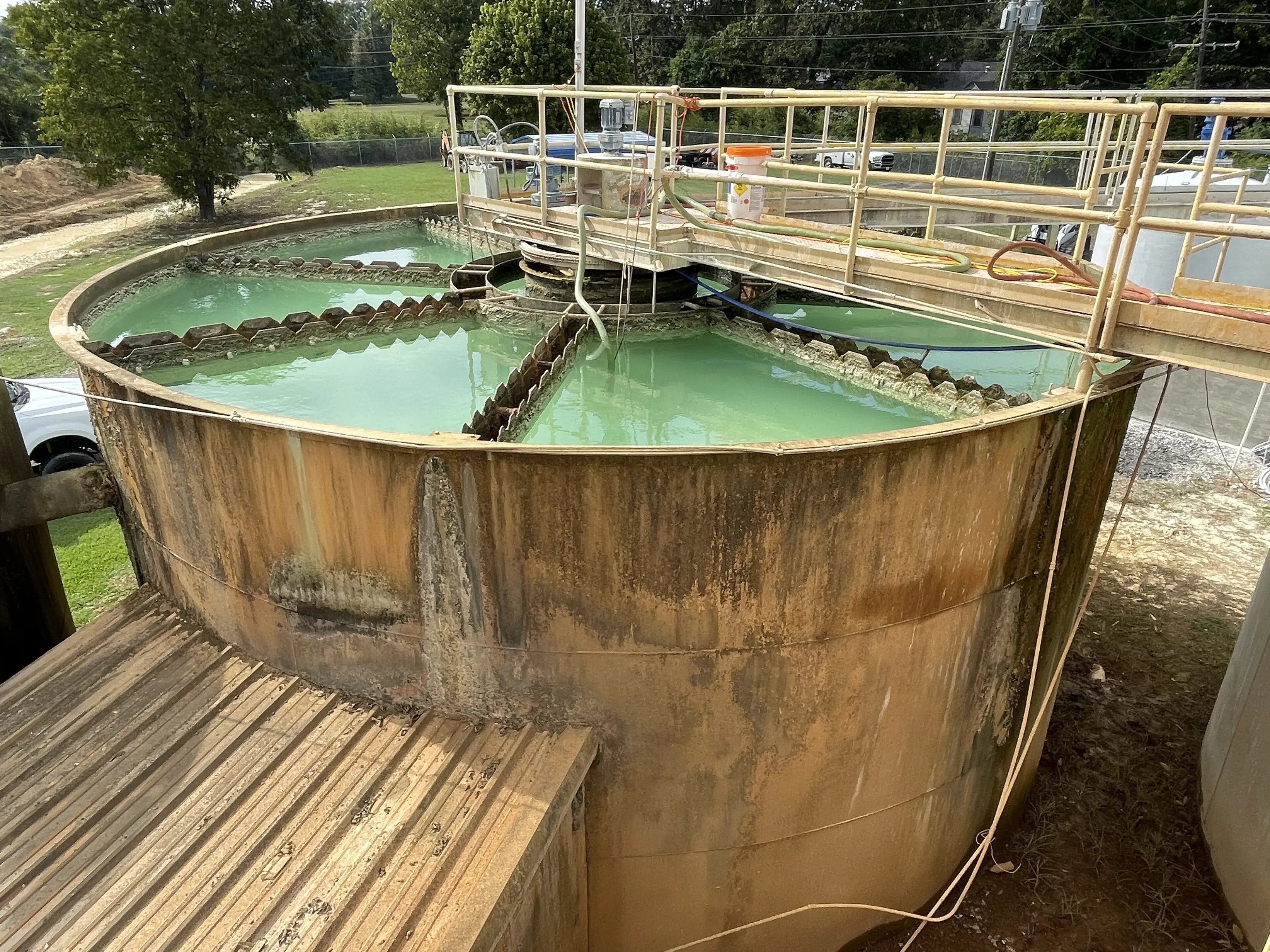
A reading is a measured value (for example TDS, pressure or pH) recorded against a system. AquaOps judges it against bands set for your company and shows the result as a word and a colour.
Record a reading
Technicians record readings during a visit on the phone, with or without signal. Staff can also add a reading from the system’s page. Always choose the right parameter and unit.
How bands work
For each parameter and type of system your company defines limits for excellent, good, fair and poor. A new reading takes its band at once. A company-wide view, Water quality in the menu, lists every system with its worst current reading and can be filtered by client and site.
Using the trend
Open a system to see its readings over time. A reading that creeps towards fair is a reason to book a visit. Pair this with a maintenance plan.
Tips
- Record before and after any change, so the effect of a clean or a part is visible.
- Use the same tap and the same meter each time.
- Write the unit with the number.
Device monitoring
Sensors and meters feeding readings automatically are in early access. Tell us which devices you use from the contact page.
See water quality.
Questions and answers
- Does AquaOps read sensors automatically?
- Device monitoring is in early access. Today readings are entered by technicians; each is judged against your bands. Join the early-access list from the contact page if you want sensors connected.