

Download the Android technician app
The offline-first app for technicians: the day's jobs, checklist, photos, readings, parts and signature, working with or without signal.
This is a beta (pilot) build for technicians. It connects to the AquaOps development server for now, so use a company account we have set up for you. It is not on the Google Play Store.
Install in four steps
From download to your first job
- 1
Download
Tap the green button on your phone. Your browser may say the file type can harm your device; that is the normal message for any app installed outside a store.
- 2
Open the file
When the download finishes, tap the notification or open the file from your Downloads folder.
- 3
Allow the install
Android will ask to allow "install unknown apps" for your browser. Turn it on for that browser, go back and tap Install. You can turn it off again afterwards.
- 4
Sign in
Open the app and sign in with your company account. It connects to dev.aquasops.com for now.
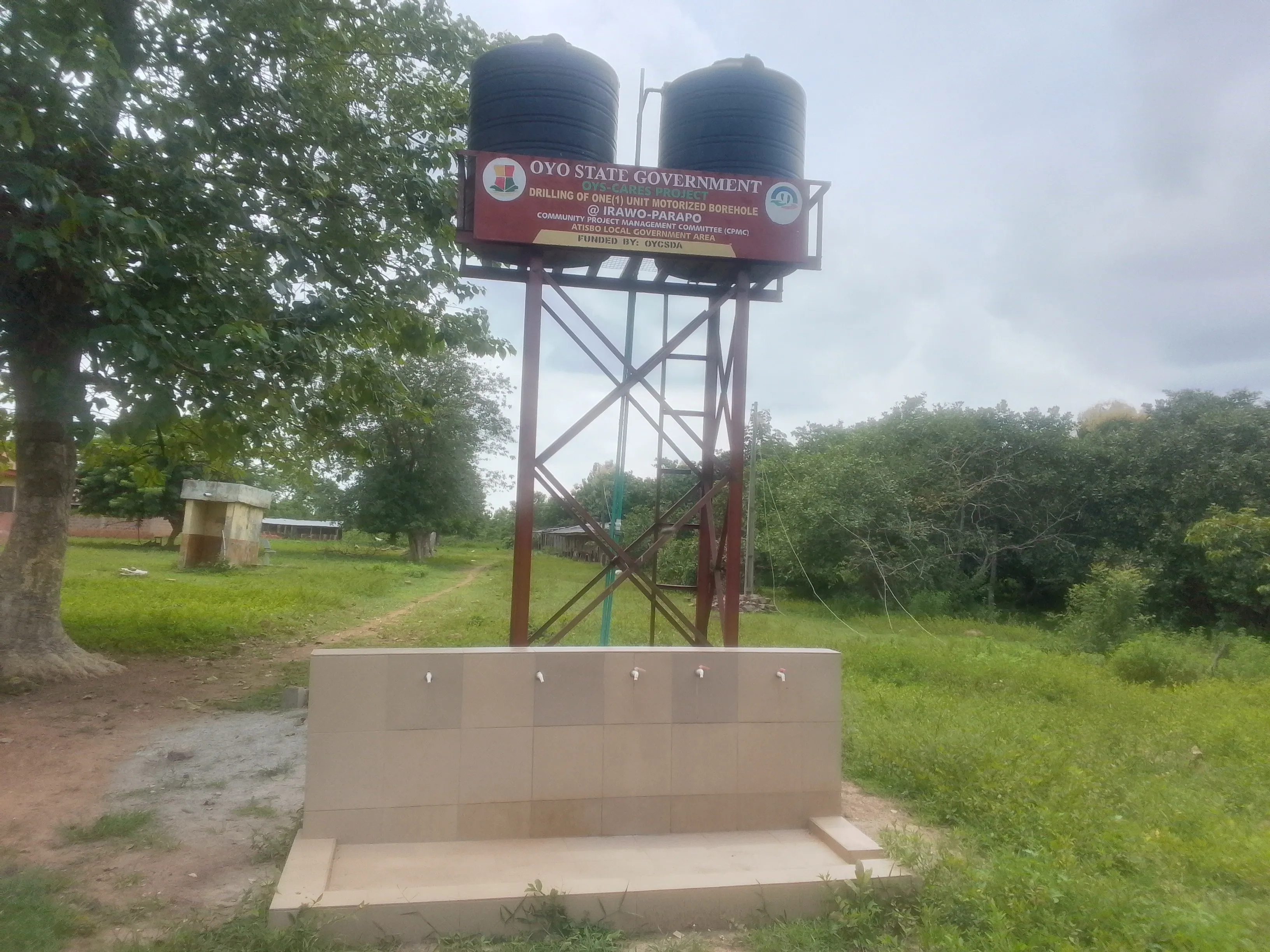
Made for the field
Plant rooms and borehole sites do not wait for a signal
The app keeps the day's jobs on the phone, so the whole visit can be done offline and sent to the office afterwards.
About this build
- Version
- 0.1.0 (build 1)
- Built
- 2026-10-29
- Size
- 14.3 MB
- Needs
- Android 8.0 or newer (API 26)
- SHA-256 checksum
- f279d22b45ca0f10bfc0913bf233383bd4915f094e5427d7b8e6a824b48bb8b4
To check the file, compare its SHA-256 with the line above (for example with a checksum app). Machine-readable details are in latest.json.
Open this page on your phone
Scan it with your phone camera to open this page.
iPhone: coming soon
An iPhone app has been built with the same offline design but is not available to install yet; there is no TestFlight or App Store listing. Tell us and we will write to you when it is ready.
What to know about the beta
- It is for technicians of companies that use AquaOps; you need a company account.
- It asks for location access: location is shared with the office while you work a job.
- It is signed with our shared development key, which is normal for a beta and means updates install over it.
- Problems? Write to us from the contact page.