

How it works
From the first client to the next visit
One flow connects the office, the technician and the customer. Here it is in five steps.
- 1
Add clients, sites and systems
Type them in or import a CSV spreadsheet. Each system gets its type, warranty and service history.
- 2
Book or auto-schedule visits
Create a job, or let a maintenance plan book it ahead of the due date.
- 3
The technician does the work
Offline on the phone: checklist, photos, readings, parts and the customer's signature.
- 4
The customer tracks, approves and pays
They see the arrival, get the report, approve the work and pay online.
- 5
Reports, reminders and the next visit
Numbers update, reminders go out and the next visit books itself.
1. Add clients, sites and systems
Start with who you serve. A client has sites, a site has systems (an RO plant, a softener, a borehole pump, a pool). Add them one by one or import a CSV spreadsheet; the import checks every row and shows the problems before anything is created. Each system carries its type, install date, warranty and the history of every visit.
2. Book or auto-schedule visits
Create a job for a client's system: choose the service, the day and the technician. Or set up a maintenance plan and let the visits appear by themselves, ahead of the due date. Customers can also request a visit from the portal.
3. The technician does the work, offline
The day's jobs are on the technician's phone. They follow the checklist, take photos, record readings, note the parts used and collect the customer's signature, with or without signal. When the phone is online again the work reaches the office on its own.
4. The customer tracks, approves and pays
On the way, the customer opens a link to see the technician arriving. After the visit they get the service report, can approve the work and pay the invoice online by card or bank transfer.
5. Reports, reminders and the next visit
The numbers update by themselves. Reminders go out before a warranty or a service lapses, and completing a visit moves the plan on, so the next visit books itself.
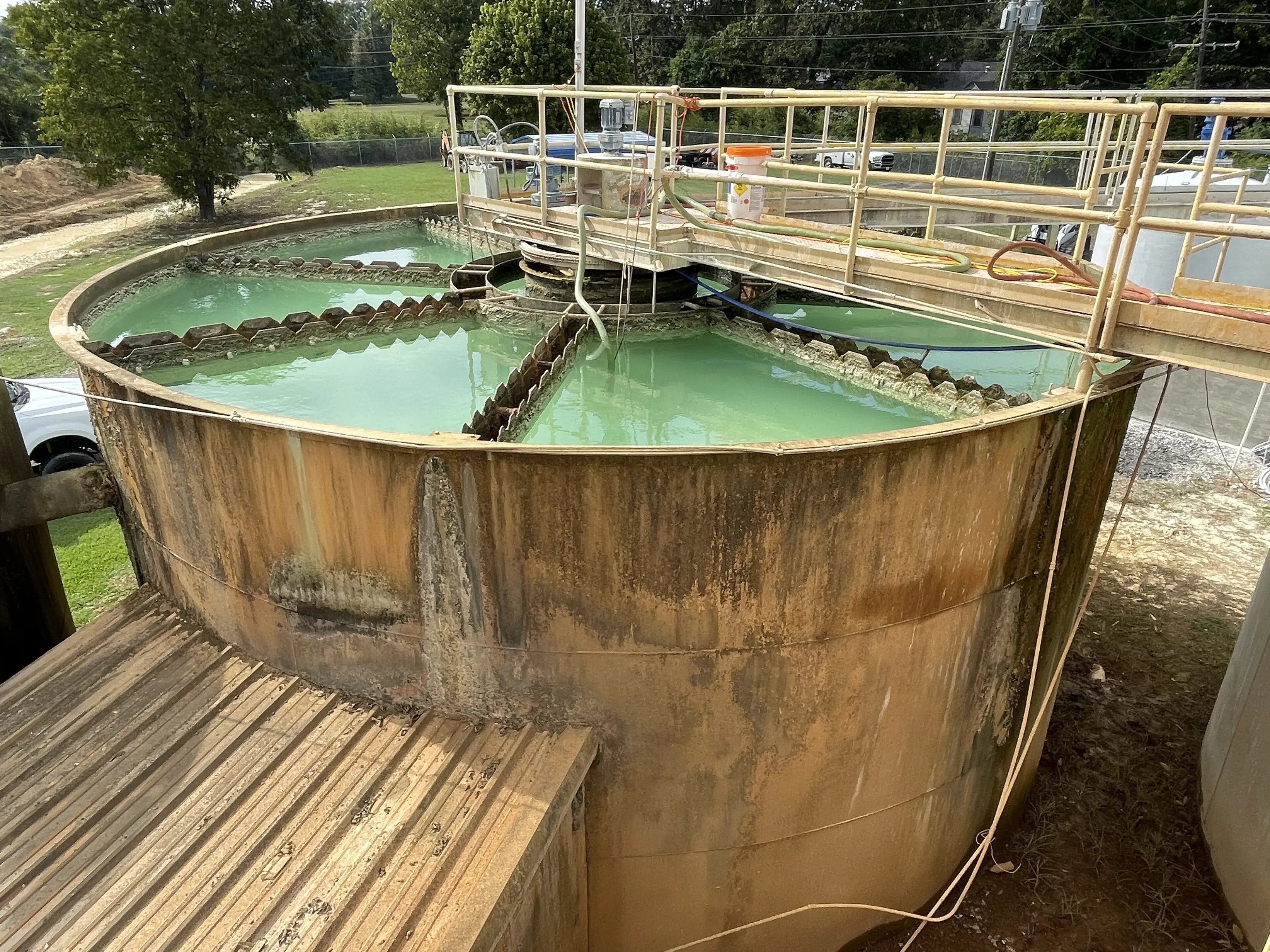
On site
The work happens at the plant, the borehole and the pool
Technicians work in plant rooms and on sites with poor signal. Everything on this page is designed so the visit can be finished there, and the office sees it afterwards.
The life of a visit
Eight stages from request to closed
Every job moves through stages. These are the defaults; your company decides the real ones.
-
Step 1
Requested
Customer or office
-
Step 2
Scheduled
Office
-
Step 3
On the way
Technician
-
Step 4
On site
Technician
-
Step 5
Awaiting approval
Office and customer
-
Step 6
Completed
Office
-
Step 7
Invoiced
Office
-
Step 8
Closed
Office
These are the default stages. Your company can rename them, add steps or take steps away.
Offline first
What happens when there is no signal
The phone keeps the visit and sends each change once when it can. The server checks every change against the job as it is now, so nothing newer is overwritten and the technician is told in plain words when a change cannot be applied.
A browser cannot track location in the background. Reliable tracking comes from the phone apps.
See it with your own kind of work
Book a short demo. Tell us what you service and how many people you have, and we will show you the parts that matter to you.